Copy templates and clauses from FairPro
Find the templates and clauses FairPro publishes for your country, copy what you need into your own library and take the changes when a new version comes out.
FairPro publishes templates and clauses for each country it serves. You copy the ones you want into your own library, and from then on they are yours to change.
Finding the library
- Open Library under Contract setup, then the From FairPro tab.
- FairPro shows your country’s newest version, with what changed in it. To look at another country’s library, choose its name at the top.
- Choose an item to read it. A clause shows each wording in full. A template has a link to open its Word file.
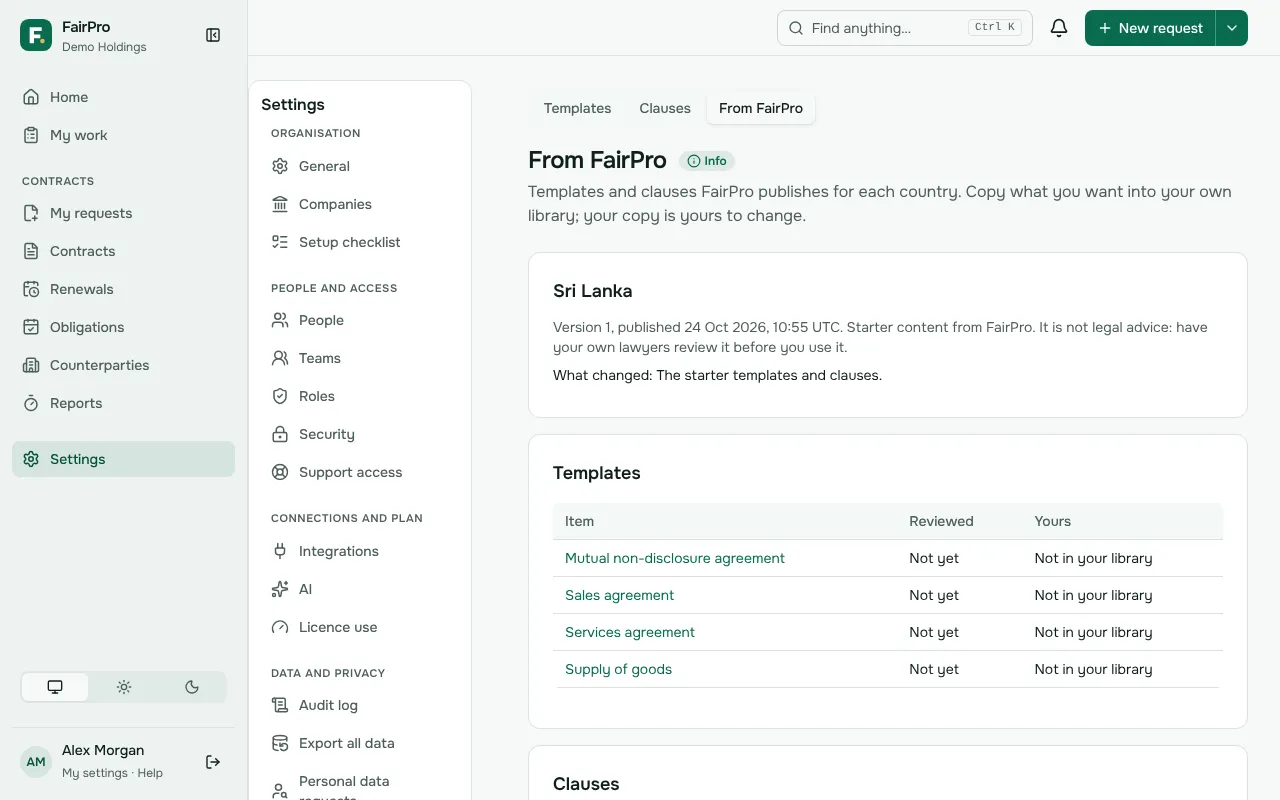
Each item says who reviewed it and when. Starter content is not legal advice, so have your own lawyers check it before you use it.
Copying an item
You need permission to edit your templates and clauses. By default the Legal administrator has it.
- Open the item.
- Under Copy to your library, read what copying will do.
- Choose Copy to our library.
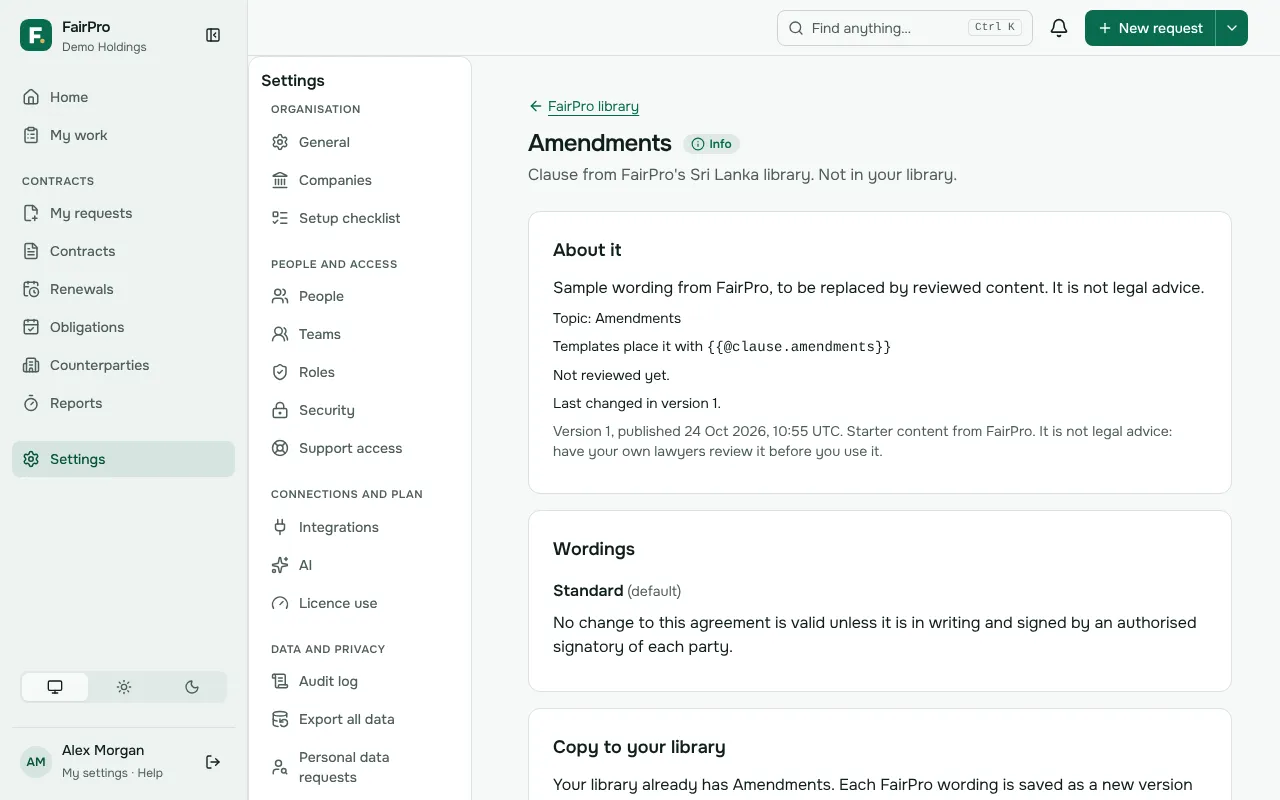
A clause, preamble or signature block goes into your Clause library with all its wordings. A template goes into your Templates as a draft, linked to every company and to the contract type of the same name if you have one. Check it, then publish it as you would any template.
When FairPro publishes a new version
Your own library never changes by itself. People who may edit your templates and clauses get a notice the morning after FairPro publishes, and items you copied that changed show Changed since you copied it.
- Open the item and read what changed.
- Choose Copy this version under Take the new version.
A clause you have keeps its earlier wording in its history: each FairPro wording becomes a new version of your wording of the same name, or a new wording. A template gets FairPro’s file as a new draft version, and the version you use now stays published until you publish the new one.
If you have changed your copy
Copying again replaces the text of wordings with the same name, as a new version. If you want to keep your own wording, rename it first, or leave FairPro’s new version alone. Drafts already made keep the text they were made with.